



Guide · Updated
Free VPN in India: The Complete Guide
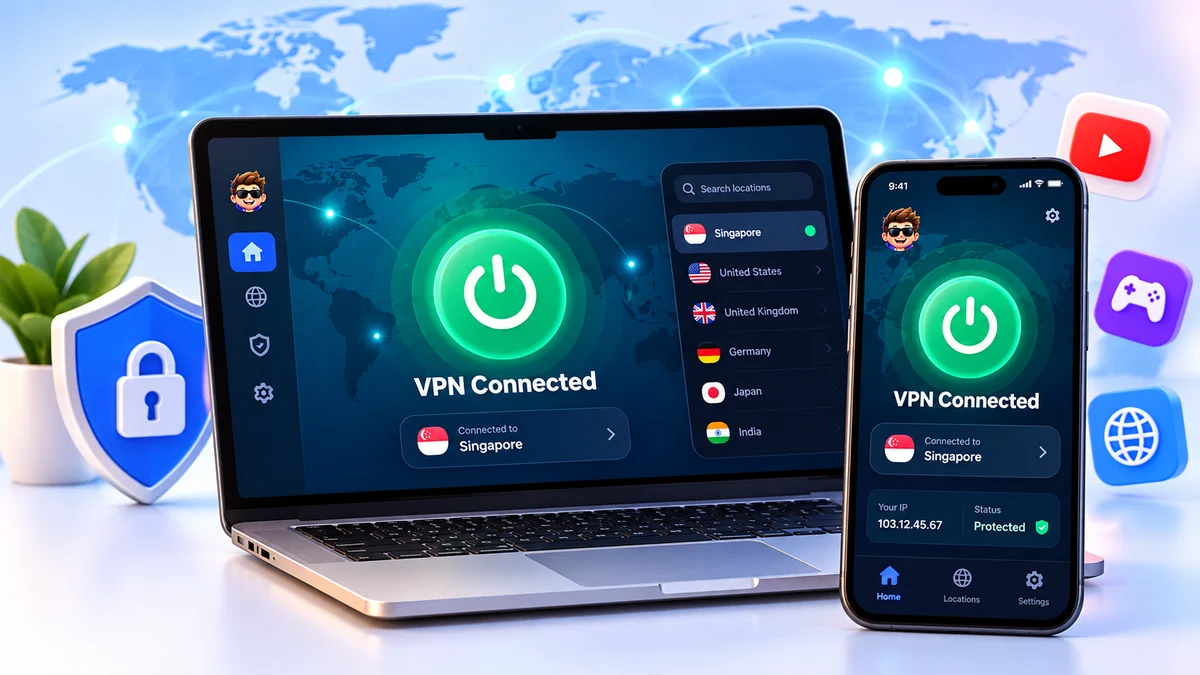
Looking for a free VPN in India that is actually safe to use? Here's what a VPN does, what the law in India says about VPNs, how free and paid VPNs compare, and how to set one up on your phone or laptop in a few minutes.
What is a free VPN?
A VPN (Virtual Private Network) creates an encrypted tunnel between your device and the internet. Your traffic goes through a VPN server first, so your internet provider, people on the same Wi-Fi network and the websites you visit can't easily see your real IP address or what you're doing.
A free VPN gives you this protection without a subscription. The catch with most free VPN apps is how they pay for themselves: ads, strict data caps, slow shared servers, or in the worst cases, selling your browsing data. That's why RogerKart gives members 6 months of free VPN access in return for joining our Telegram community. No credit card, no UPI, no subscription.
Is VPN legal in India?
Yes, using a VPN is legal in India. Millions of students, remote workers and businesses use VPNs every day. Two things are worth knowing:
- CERT-In rules (2022): India's cyber security agency directed VPN providers to store certain customer records, such as names, IP addresses and usage details, for 5 years. Several global VPN brands moved their physical servers out of India in response, so many VPNs now offer "virtual" India locations instead.
- The law still applies: a VPN protects your privacy, but anything that's illegal without a VPN is still illegal with one.
Free VPN vs paid VPN: what's the difference?
| RogerKart free VPN | Typical free VPN app | Paid VPN | |
|---|---|---|---|
| Cost | ₹0 for 6 months | ₹0 | ₹300–₹1,000+/month |
| Credit card / UPI needed | No | Sometimes | Yes |
| Devices | Android, iOS, Windows, Mac | Usually 1 | Multiple |
| Setup help | Telegram community | Limited | Email support |
How to choose a safe free VPN
Before installing any free VPN app for Android or PC, check these five things:
- Clear privacy policy. It should say exactly what data is collected and whether it's shared.
- Strong encryption. Look for modern protocols like WireGuard or OpenVPN with AES-256 encryption.
- No hidden payment. A genuinely free VPN shouldn't ask for card or UPI details "for verification".
- Nearby servers. From India, servers in Singapore or other nearby regions keep speeds high.
- Real people behind it. A community or support channel you can actually reach when something breaks.
How to set up a free VPN on Android, iPhone & PC
Android
Install the VPN app, sign in with the access details from your RogerKart dashboard, pick a server and tap Connect. Allow the VPN permission when Android asks.
iPhone & iPad
Install the app from the App Store, sign in, then tap Allow when iOS asks to add a VPN configuration. You'll see a VPN badge in the status bar once you're connected.
Windows PC & Mac
Download the desktop app, sign in and connect. For the best speeds, turn on "connect on startup" and choose the server closest to you.
Step-by-step guides with screenshots for each device are shared in our Telegram channel once you join.
When should you use a VPN?
- On public Wi-Fi at cafés, airports, hotels and railway stations, where networks are often unsecured.
- For everyday privacy, so your internet provider can't build a profile of the sites you visit.
- When travelling, to keep a secure connection on unfamiliar networks.
- For remote work and study, to add a layer of protection when you're handling personal or work files.
Ready to try it? Claim your 6-month free VPN in India in under 2 minutes.
Claim Free VPN