 By
 ₹95,615 with HDFC
 ₹35,649 with PNB




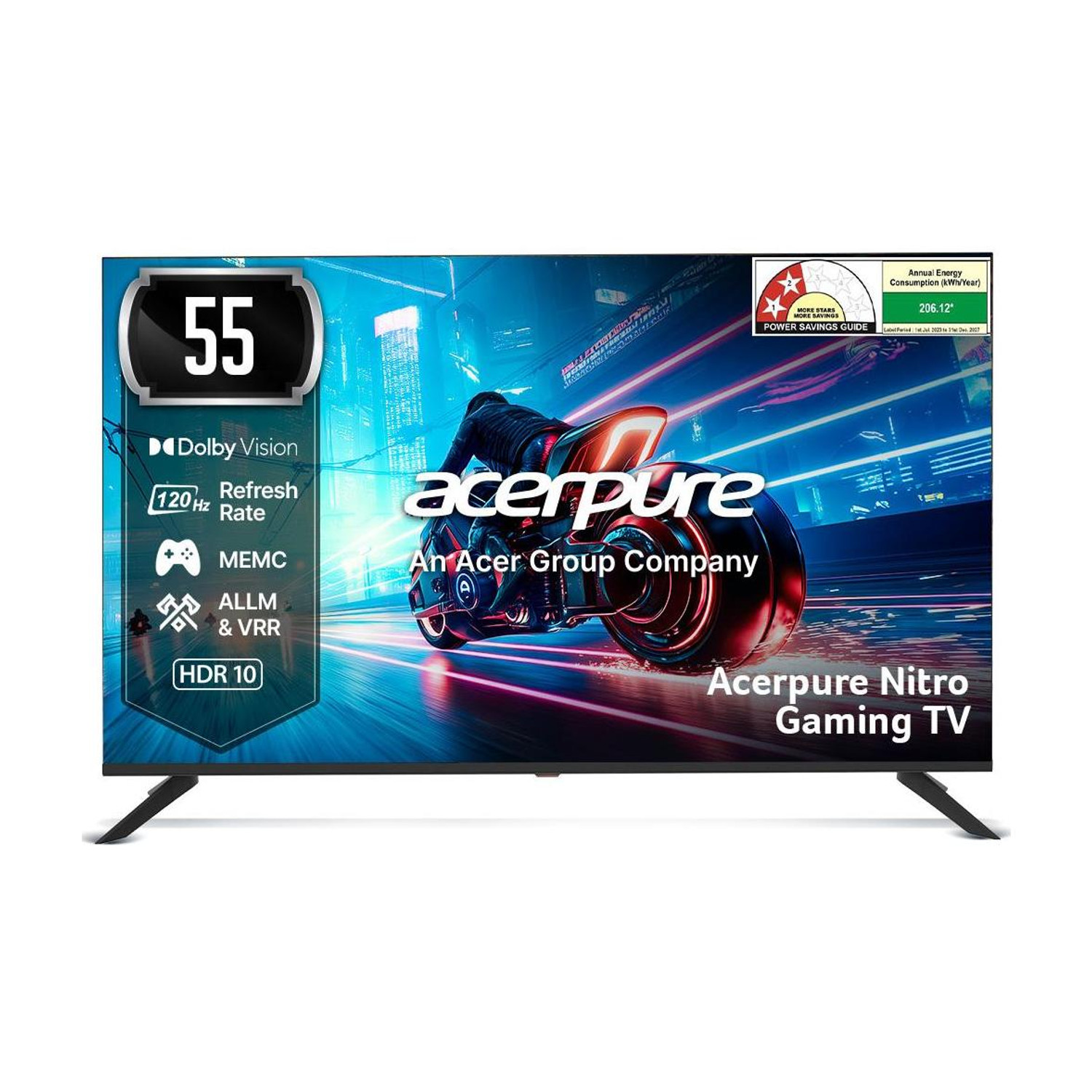
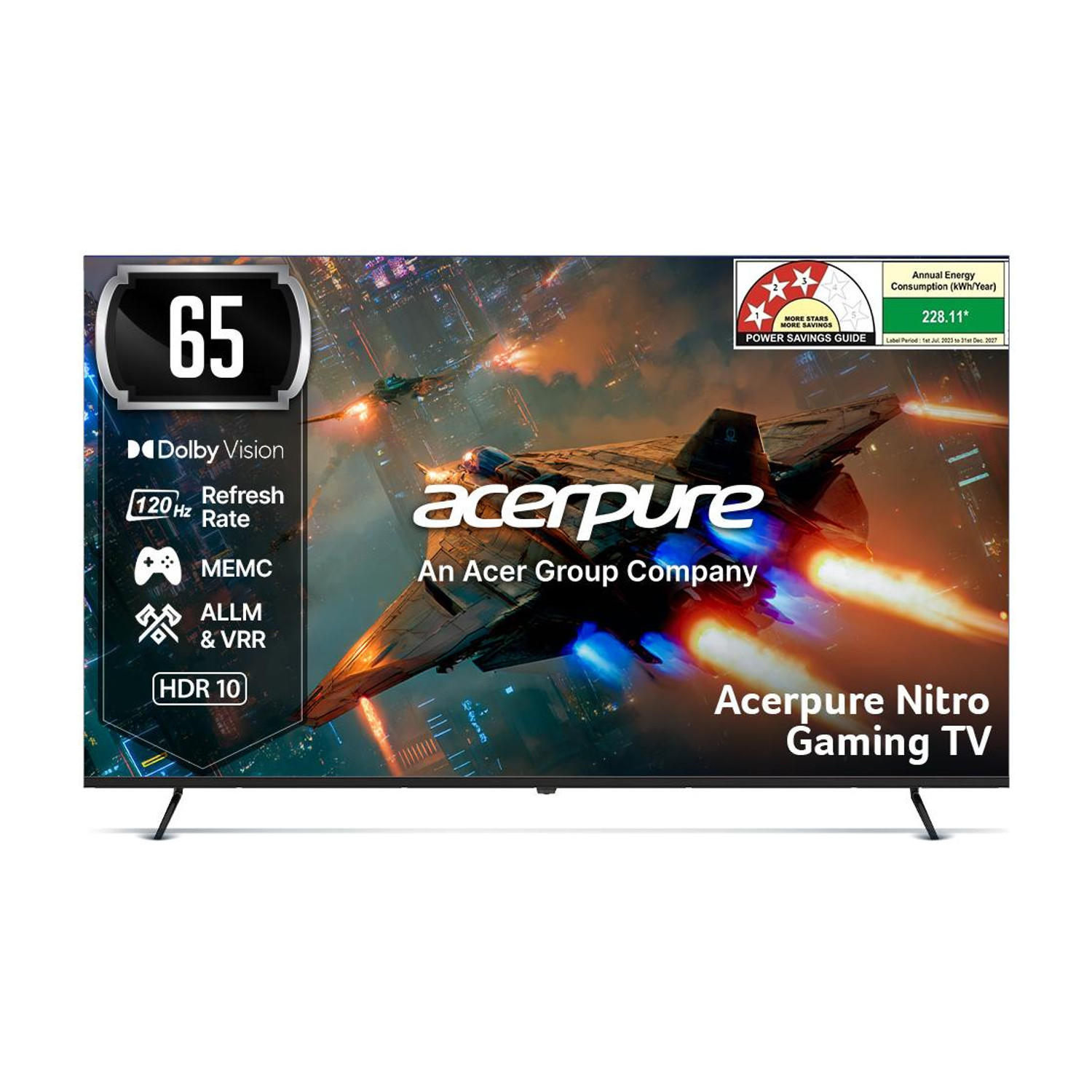 acerpure Nitro 65" QLED
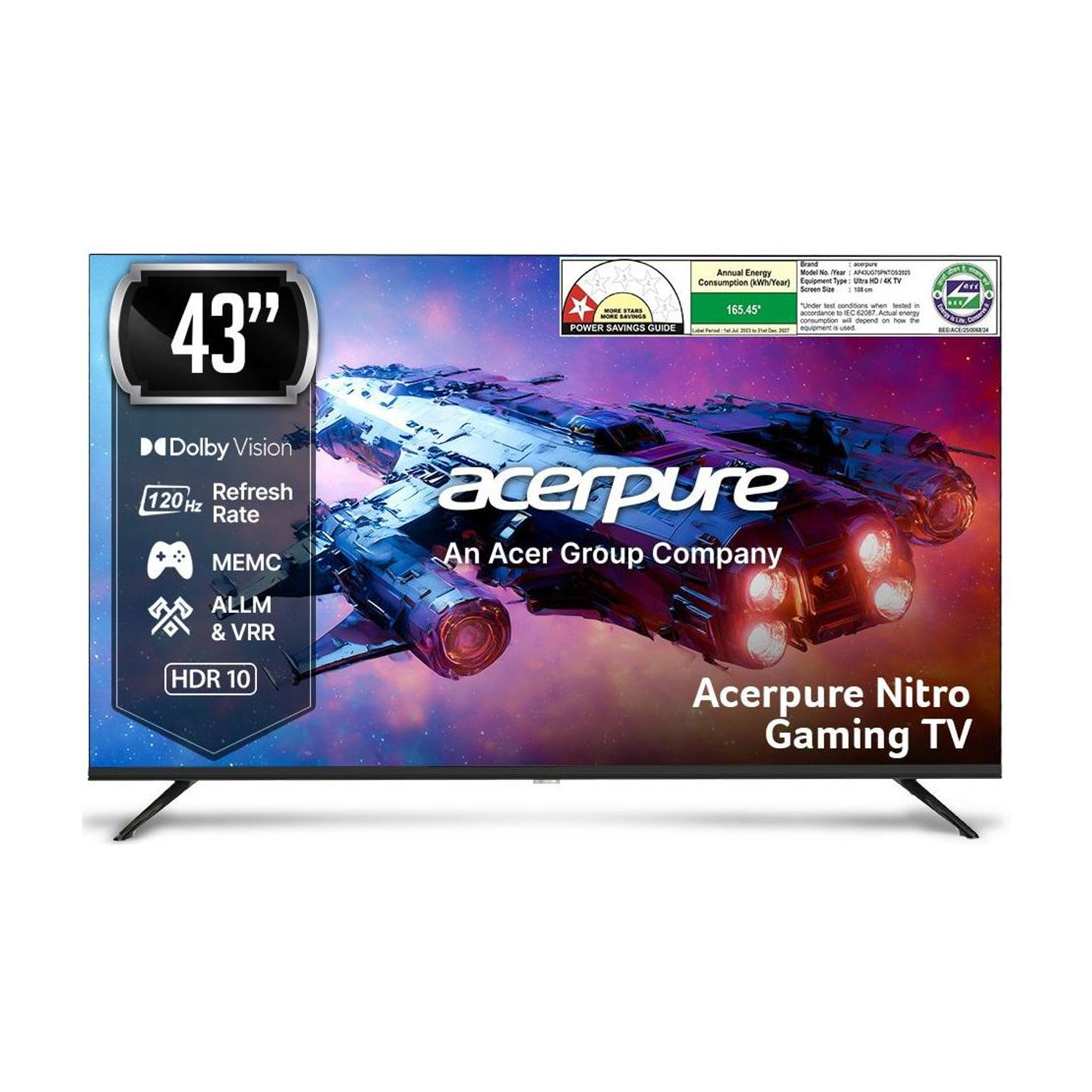 acerpure Nitro 43" QLED



How to choose a gaming TV
Four numbers decide whether a TV is good for games, so check them before the screen size:
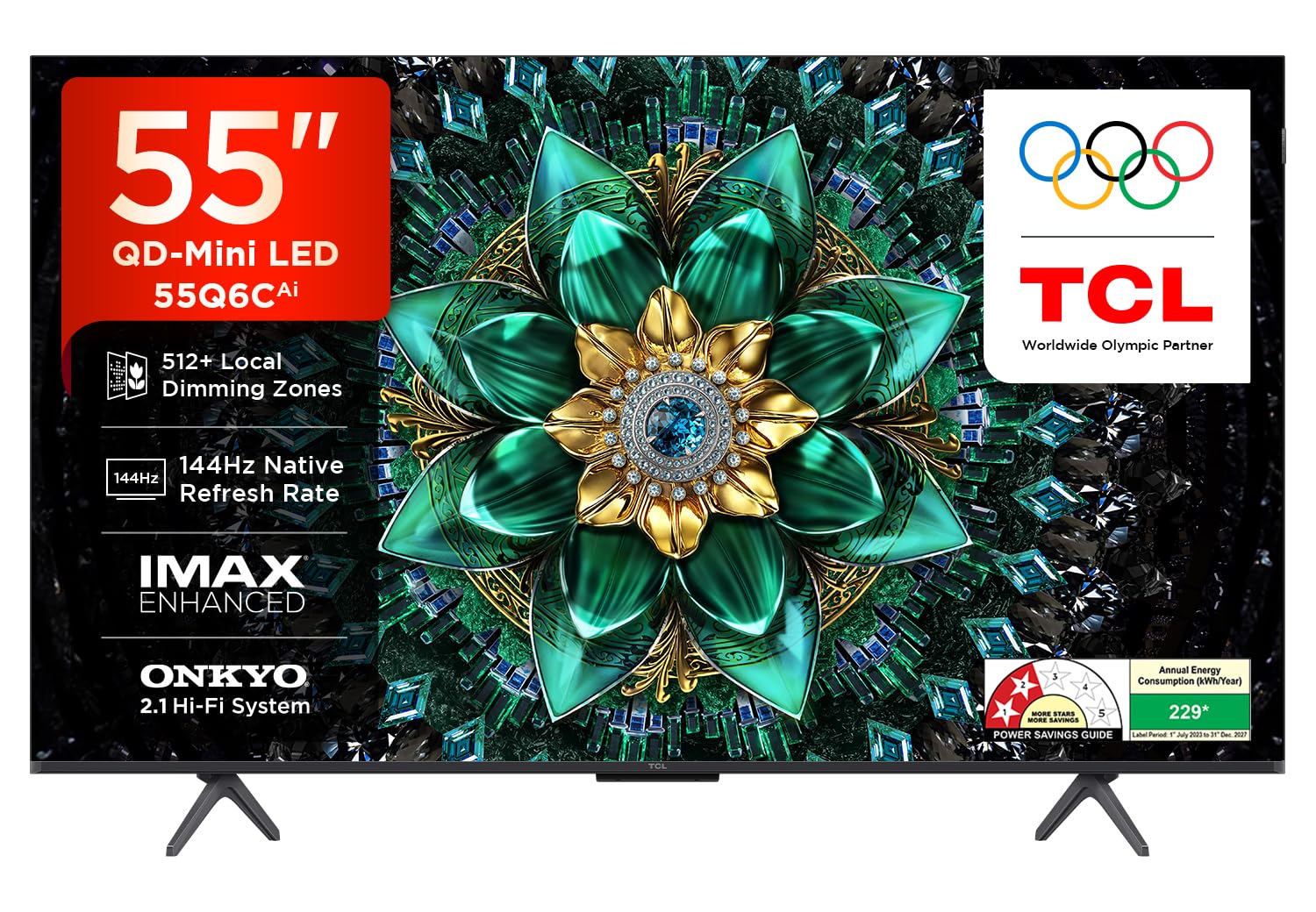
- Native refresh: a PS5 or Xbox Series X sends up to 120 frames a second, so you need a native 120Hz panel for 4K 120. The TCL picks go to 144Hz, which helps only a gaming PC.
- VRR: it matches the TV to the game's frame rate, so you get less tearing and stutter when a game dips below 60 or 120. The TCL and acerpure picks list it; the store tables for the two Sony BRAVIA models don't, so confirm it on Sony's spec sheet for your size before you pay.
- HDMI 2.1 port: plug the console into the port the maker names for gaming. On the TCL C7L, TCL says 288 VRR works on HDMI 1 and 2.
- Backlight: Mini LED dimming (the TCLs and the Sony BRAVIA 5) keeps dark scenes dark; a plain QLED like the acerpure looks greyer in HDR.
For more, see today's checked deals, compare banks on the card offers page, paste any TV link into Check Price, or browse more Best under ₹X guides.
FAQs
Which TV is best for PS5 gaming?
The TCL Q6C for value and the TCL C7L if you can spend more. TCL's Q6C page lists a 144Hz native refresh rate, VRR and HDMI 2.1, which covers the PS5's 4K 120 mode with room to spare.
Is 144Hz better than 120Hz for consoles?
No. A PS5 or Xbox Series X outputs at most 120Hz, so a 144Hz TV plays console games the same as a 120Hz one. The extra headroom only helps a gaming PC.
Is Mini LED good enough for gaming, or do I need OLED?
Mini LED is good enough for console gaming. Mini LED dimming keeps dark scenes dark and HDR bright; OLED's edge is deeper black in a dark room, and none of the TVs we track today is OLED.
Which TV is best for gaming and movies together?
The Sony BRAVIA 5 if films matter as much as games: Dolby Vision and a 120Hz Mini LED panel. The TCL Q6C also lists Dolby Vision IQ for less.
Which is the best TV for gaming on a budget?
The acerpure Nitro 55: its listing names 120 Hz, ALLM and VRR, with an 8 ms response time. Expect weaker HDR at 350 nits.